Found a Mistake After Applying? Correct the Record Carefully
If a submitted job application contains a material error, correct it promptly through the employer’s stated channel. First check the portal for an edit option and read the employer’s instructions; don’t send a duplicate application as a reflex. For a minor typo that leaves the meaning clear, a second message can create more noise than value.
The right next step depends on what is wrong. A misspelled word in a sentence is not the same problem as a wrong phone number, a misleading answer about a required qualification, or a resume attached for another job. Treat the error according to its consequence, not your level of panic.

Start by classifying the mistake
Classify the error before you contact anyone. The useful question is not “How embarrassed am I?” It is “Could this change what the employer understands, or prevent them from reaching me?”
| Mistake | Likely risk | Best first move |
|---|---|---|
| Minor typo that does not change meaning | Usually low | Check whether it is visible or confusing; often leave it alone |
| Wrong or incomplete contact detail | High if the employer cannot reach you | Correct the account or application if possible; otherwise contact the stated recruiting channel promptly |
| Inaccurate answer to a material question | High because the answer may misstate your qualifications, availability, authorization, or history | Send a concise, truthful correction through the employer’s stated channel |
| Wrong, outdated, or corrupted attachment | High if it changes what the employer reviews | Check for an edit or replacement function; otherwise ask how to provide the correct file |
| Formatting issue that makes content hard to read | Depends on severity | Inspect the submitted file and ask whether a replacement is possible if key content is inaccessible |
| Duplicate or extra file | Usually manageable, but can confuse the record | Clarify which file is correct; do not create another application to compensate |
This is a decision aid, not a rule about how every employer will respond. A hiring team may be able to update one field and unable to replace another. A portal can allow edits to a profile without changing an already-submitted application. Your first task is to identify the actual application, the actual error, and the channel the employer has designated.
Write down four facts before acting: the job title or requisition number, the date you submitted, the exact field or attachment that is wrong, and the accurate replacement information. That small pause prevents a rushed correction from introducing a second error.
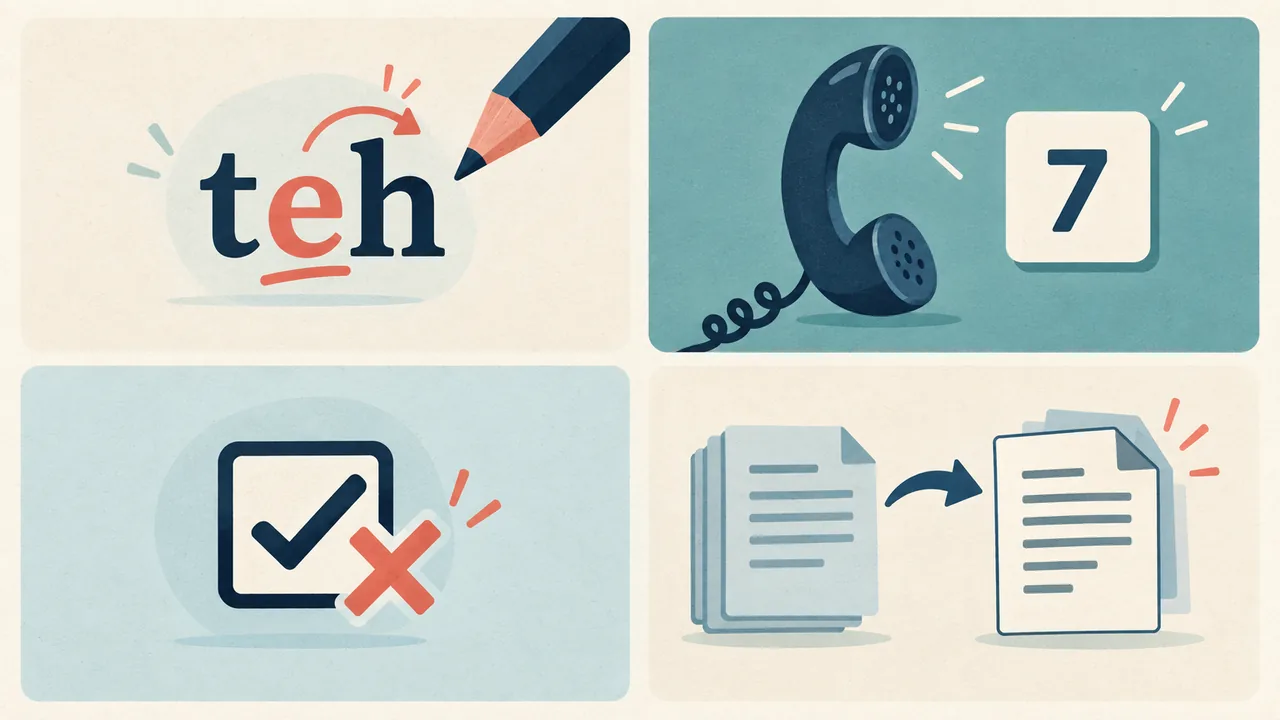
How serious is the error?
An error is material when it could reasonably change the employer’s understanding of your candidacy or the employer’s ability to contact you. Correct material errors. Do not turn every harmless imperfection into a new application event.
A wrong email address is material because a recruiter might not be able to reach you. A wrong answer to a required question about a license can be material because it may make you appear to claim a qualification you do not hold. A resume from an unrelated application is material because it gives the reviewer the wrong evidence. A transposed letter in a sentence that remains clear is usually not.
Use these questions to make the distinction:
- Could the error change a decision or screen? A mistaken “yes” to a required credential question matters more than a typo in a sentence about why you are interested.
- Could it block contact? A digit missing from your phone number deserves quick attention, even if everything else is right.
- Does the error create a false impression? If your answer makes a date, responsibility, credential, or work status inaccurate, correct it plainly.
- Can the reader infer the intended meaning without guessing? A misspelling that leaves the sentence unmistakable is less urgent than an error that changes the meaning.
- Is the submitted document the wrong version? A file with the wrong job title, wrong dates, or another person’s information should not be left unexplained.
- Does the application state a required correction route? Specific instructions outrank generic advice.
Do not use embarrassment as your measure of severity. People often feel strongest about small, visible typos and overlook consequential mistakes buried in a form. Reverse that instinct. Assess the consequence first, then decide whether to send a message.
If you are unsure whether a detail is material, ask whether a reasonable reader could make a different judgment because of it. If yes, correct it. If no, and the correction would merely draw attention to a harmless surface flaw, leave it alone unless the employer requests an update.
Check whether the portal allows edits
Check the application portal before sending a correction. Look for a real edit or replace control attached to the submitted application, not just a general profile-editing page.
Sign in to the account you used to apply. Open the specific job and application. Check its status and available actions. Look for labels such as “Edit,” “Update application,” “Replace document,” or “Withdraw.” Read any warning text before changing anything. A button that edits your profile may update information used in future applications without changing the record already submitted for this job.
A practical check takes only a few minutes:
- Open the employer’s own careers site or the account link in the submission confirmation.
- Sign in with the email address used on the application. If you applied through an external job board, check whether the employer’s site or the board owns the application record.
- Find the exact application by job title, location, or requisition number.
- Review the application’s current status and the actions offered beside it.
- If an edit function exists, inspect what it edits. Does it update this submitted application, a general profile, or only a saved draft?
- If the page gives a warning, read it. Do not withdraw or cancel just to see what happens.
- Save a copy of the confirmation or note what the portal says, so you can describe the situation accurately if you contact the employer.
The portal may not offer any change after submission. Greenhouse’s candidate FAQ says MyGreenhouse does not let candidates change a submitted application there and directs them to contact the employer about corrections. That is a Greenhouse-specific instruction, not a rule for every employer or every recruiting platform. Greenhouse’s MyGreenhouse FAQ for candidates
Workday’s published administrator documentation describes configurable Candidate Home features. It says candidates can view submitted applications and update contact information, while other candidate actions depend on how the employer configures the system. That distinction matters: changing account contact information does not, by itself, establish that the already-submitted application changed. The employer’s portal and instructions determine what is available in that instance. Workday’s Candidate Home documentation
If you see no edit option, do not assume the application has vanished or that the employer cannot make any change. Candidate-facing controls and recruiter-facing controls are different. Workday’s administrator documentation, for example, describes recruiter-side actions that candidates do not necessarily have. It also notes that some edits, such as questionnaire answers, cannot be made through a recruiter’s edit action. These are platform and configuration details, not promises about what a particular hiring team can or will change. Workday’s documentation on candidate and job application actions
If the portal says to contact the employer, follow that instruction. If it offers a supported correction workflow, use it and keep the confirmation. If the page is unclear, do not experiment with withdrawal, resubmission, or multiple uploads. Ask the employer which route preserves the right record.

When should you contact the employer?
Contact the employer when the error changes the facts, affects your contact details, or causes the application to present the wrong document. Use the channel the employer names: the application portal’s message function, the recruiting contact in the posting, or the address in the submission confirmation.
Send one focused message. Identify the job, identify the error, provide the correct information, and ask whether the employer can add it to the application record or wants you to take another step. Do not demand a particular system change. You may not know whether the recipient can edit the application, replace an attachment, or route your message to the recruiter.
A useful message has four parts:
- A subject that identifies the correction and job.
- Enough identifying information to locate the application, such as your name, job title, and requisition number. Avoid sending sensitive identity information unless the employer’s secure process specifically asks for it.
- A direct statement of what was wrong and what is correct.
- A courteous request for the appropriate next step, if the portal cannot make the change.
Do not send a long apology. Do not retell your entire application. Do not attach a new resume unless the employer requests it or the correction route clearly allows it. More material gives the recipient more to sort through and raises the chance that the wrong version becomes the apparent final one.
Hypothetical message for a wrong phone number
Subject: Correction to application for [Job Title], [Requisition Number]
Hello [Recruiting Contact],
I submitted an application for [Job Title] on [date]. I noticed that the phone number in the application is incorrect. The correct number is [correct number]. Please let me know if you need me to update it through a particular portal or process.
Thank you,
[Name]
This hypothetical example corrects the detail without inventing an explanation. If the application portal lets you update the submitted application directly, make the change there first and keep the confirmation. You can send a brief note only if the employer’s instructions request one or the change is not clearly reflected.
Hypothetical message for an inaccurate answer
Subject: Clarification to application for [Job Title], [Requisition Number]
Hello [Recruiting Contact],
I’m writing to correct my answer to [question or field] in my application submitted on [date]. I selected [incorrect answer]. The accurate answer is [correct answer]. I wanted to make sure the application record reflects this information. Please tell me if there is a preferred way to update the response.
Thank you,
[Name]
Keep the correction factual. If the original answer overstated a qualification, do not soften the error with vague wording. State the accurate fact. If the accurate answer means you do not meet a stated requirement, say so rather than trying to preserve the impression created by the first answer.
Hypothetical message for a wrong attachment
Subject: Correct resume for [Job Title], [Requisition Number]
Hello [Recruiting Contact],
I submitted an application for [Job Title] on [date] and noticed that I attached the wrong resume file. The correct file is [filename]. Could you let me know whether I should upload it through the portal or send it using another approved method?
Thank you,
[Name]
If the employer directs candidates to use a secure portal, do not email a file with personal information instead. Ask how to replace it. If the portal does allow replacement, check the job title and filename before uploading, and verify that the new file appears on this application rather than only in your general profile.
What to do about a typo
Leave a minor typo alone when it does not change the meaning and the correction would create more noise than value. Correct a typo when it changes a fact, changes a required answer, makes a sentence misleading, or obscures a key detail.
A missing letter in a familiar word is not usually worth a separate email. Neither is a punctuation mark that has no effect on meaning. The recruiter may not have noticed it. A message about it may make a small flaw more prominent without improving the application record.
But not every “typo” is minor. A wrong digit in a phone number is a contact error. A date typed as 2023 instead of 2024 changes a fact. A missing “not” can reverse an answer. A misplaced decimal point in a salary expectation or years-of-experience field may create a different interpretation. Classify the effect, not the keyboard accident.
Ask yourself: If I do nothing, could a reasonable reader misunderstand a fact or be unable to reach me? If the answer is no, let it go. If the answer is yes, correct the record through the employer’s stated channel.
Do not send a follow-up merely to show that you care about quality. Your original application already represents your interest. A correction is useful when it improves the information the employer has, not when it gives you a chance to prove that you noticed an imperfection.
What to do about wrong contact details
Correct a wrong email address or phone number promptly. A recruiter cannot reliably contact you through a detail that is wrong, and the error may have no useful workaround.
First check whether the portal lets you change contact information for the submitted application. Workday documentation says Candidate Home can allow candidates to update contact information, but its documentation also describes how a system can be configured. Do not assume that changing account details updates every past application. Verify the specific application or ask the employer. Workday’s Candidate Home documentation
If the application lets you update the detail, save it and confirm that the correct information is visible in the application. If it only updates your profile, contact the recruiting channel and explain the distinction. If you cannot access the portal because the email address itself is wrong, use the contact information in the job posting or confirmation message, if available. Identify the job and provide enough information for the employer to find your record, but do not send unnecessary sensitive data.
Check the corrected detail from the recipient’s perspective. Read every digit in the phone number. Confirm the email address character by character. Make sure the contact method is one you can access and that your voicemail greeting is appropriate if you provide a phone number. Avoid sending several messages through unrelated channels; choose the most direct official route and retain a copy.
If your contact information changed after submission rather than being entered incorrectly, say that clearly. “The number in my application was mistyped” and “My number changed after I applied” describe different events. The distinction helps the employer understand which record needs updating without implying that your original answer was false.
What to do about an inaccurate answer
Correct a material inaccurate answer directly, especially if it concerns a qualification, credential, work authorization, availability, employment history, or another required condition. Do not wait for an interview to hope the discrepancy goes unnoticed.
The right correction does not need a dramatic confession. State the field, the answer you selected if useful, and the accurate answer. If the error arose from a confusing question, you can briefly say you misread it, but do not make the explanation longer than the correction. The employer needs the accurate record more than a story about how the mistake happened.
Suppose a hypothetical applicant selects “yes” to a question asking whether they hold an active certification, then realizes the certification expired. A careful correction would say that the selected answer was wrong, state that the certification is not currently active, and give the accurate status if relevant. It would not describe the credential as “basically current” or imply that renewal is complete when it is not.
Suppose a hypothetical applicant enters a start date that is earlier than they can actually begin. The correction should state the earliest accurate date. If the employer’s form asks for availability and offers a range, give the truthful range. Do not treat a hoped-for date as a confirmed one.
Suppose a hypothetical applicant misreads an eligibility question. The correction should state the answer that matches their real circumstances. If the question is legally or technically unclear, use the employer’s clarification channel and answer according to the wording rather than guessing what the employer “probably means.” For consequential legal questions, a blog article is not a substitute for qualified advice.
A material correction could affect whether the employer continues considering you. That is not a reason to leave a false answer in place. It is a reason to correct it carefully. An application that is accurate gives the employer a fair basis to assess your candidacy and gives you a clearer starting point for any later conversation.
If the corrected answer means you do not meet a mandatory condition, do not ask the recruiter to treat your earlier answer as the true one. You can still express interest if appropriate, but separate that interest from the fact. For example: “I understand the posting requires an active [credential]. Mine is not active, so I wanted to correct my response. If the requirement changes or another role fits, I would welcome the chance to be considered.” Use that only if it accurately reflects the situation and makes sense for the role.
What to do about the wrong attachment
Ask to replace a wrong or outdated attachment if it could materially distort your application. Do not submit another application unless the employer explicitly tells you to do so.
Before contacting anyone, inspect the file you actually submitted. Check its filename, opening page, job title if included, dates, contact information, and whether it opens correctly. A file named “Resume-final.pdf” can still be the wrong document. A file with the correct name can still contain an older version. Verify the contents, not the label alone.
If the attachment belongs to another person, includes private information, or contains confidential material, contact the employer promptly and describe the problem without repeating sensitive contents in the message. Ask how to remove or replace the file through an approved route. Do not attach the sensitive document again for reference.
If the file is simply an older version, compare it with the correct version. Is the older file materially inaccurate, or does the difference involve only formatting or a small wording improvement? If it still presents truthful, relevant information and the current file would not change the employer’s understanding, a replacement request may not help. If it has incorrect dates, claims, credentials, or contact information, ask how to replace it.
If the employer accepts replacement files through a portal, confirm that the replacement is associated with the right job. If you send a file only because a recruiter asked for it, use the requested format and route. Give the file a clear, professional name, such as First-Last-Resume.pdf, unless the employer provides a naming convention. Open the final file before sending it. Confirm that the pages display as intended and that no unrelated document is included.
A correction email should not turn into a new pitch. You can say, “The attached file was incorrect; please use the replacement if your process permits.” You do not need to explain every change or ask the recipient to reconsider the whole application. Keep the correction narrow so the right file is easy to identify.
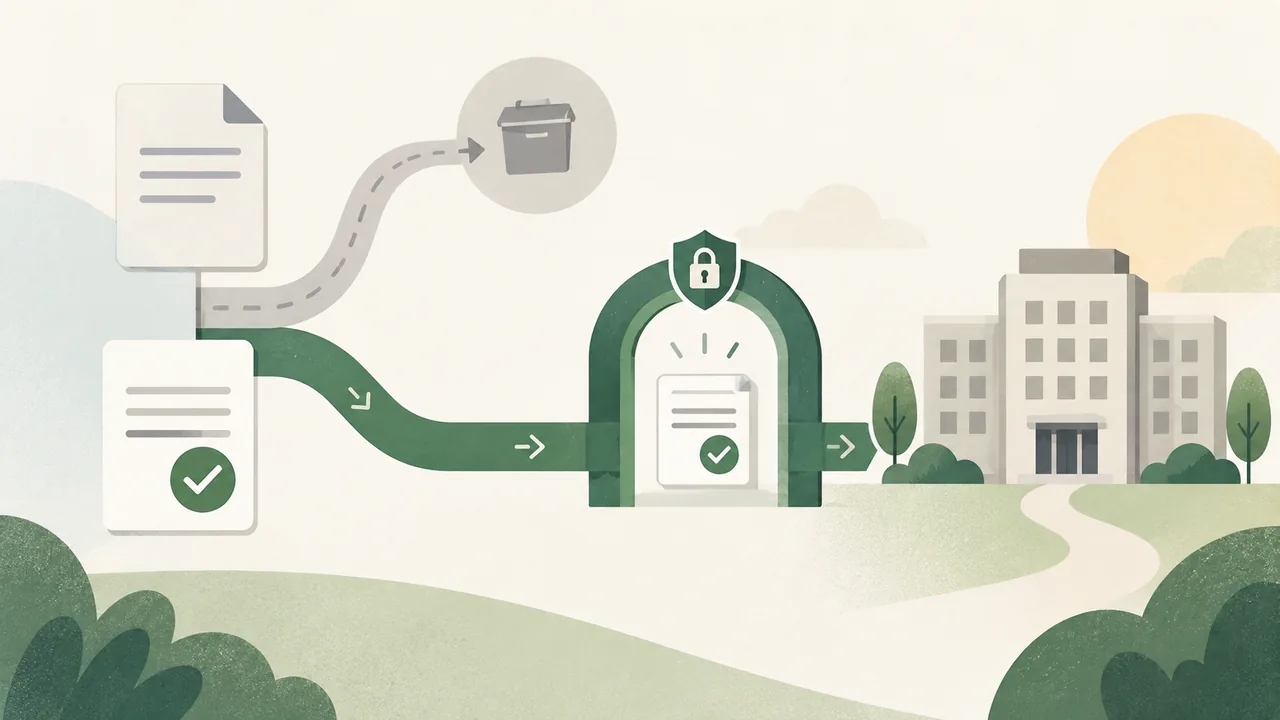
Should you withdraw and apply again?
Do not withdraw and reapply as a workaround unless the employer’s instructions tell you to do that. Withdrawal can change the status of your candidacy, and a new submission can create a second record instead of correcting the first.
A “withdraw” button is not an edit button. Before using it, read the portal’s description. Does it say you can reapply? Will withdrawal be final? Does it cancel the application or merely stop consideration? If the wording is unclear, contact the employer before acting.
The way a platform handles applications can vary with employer configuration. Workday’s administrator materials describe Candidate Home as configurable and explain that some candidate actions depend on settings. They also describe withdrawal as an available action where enabled. This does not tell you whether a particular employer allows a withdrawn candidate to submit again, whether a duplicate will be linked, or whether the recruiter can reinstate an application. Ask before you take an irreversible or confusing step. Workday’s documentation on Candidate Home and application actions
A duplicate application can create practical confusion. The employer may have two versions to compare, and it may not be obvious which one you want considered. A second application also does not guarantee that the first will be removed. If your error is material, a correction message is usually clearer than an unexplained duplicate.
There are exceptions. The employer might explicitly direct you to withdraw and submit a corrected application. The portal might offer a documented replacement workflow. A recruiter might ask for a fresh application because the original was submitted to the wrong requisition. In those cases, follow the specific instruction, and keep the message that explains why the new record exists.
If you applied to the wrong job, do not assume that changing a resume fixes the problem. Ask whether the employer wants you to withdraw, apply to the correct opening, or take another step. The wrong requisition is a different issue from an incorrect attachment, and the employer may need to preserve separate records.
What can the platform or employer change?
A candidate-facing portal controls what you can change yourself. The employer controls its recruiting process and may have recruiter-side tools. Neither fact guarantees that the original application can be rewritten or that every submitted answer can be changed.
A platform is software configured by an employer. It may let candidates update account details, edit an application before submission, or withdraw after submission. Those are distinct functions. A saved profile, a draft application, and a submitted application can have different editing rules.
Workday’s documentation illustrates these distinctions. It describes Candidate Home features such as viewing applications and updating contact information, while its recruiter-side documentation lists actions recruiters can take. The recruiter-side “Edit Job Application” action can update certain details and attachments but, according to the documentation, cannot modify questionnaire answers. That is a description of platform functionality available to recruiting users in the documented context, not a promise that a particular employer uses the feature or will make a change for you. Workday’s documentation on candidate and job application actions
The employer may be able to add a note, replace an attachment, update a field, or tell you that the record cannot be changed. A recruiter may not control the platform configuration or have permission to make every change. A vendor’s support team may be able to explain how its product works but usually cannot decide what the employer wants to do with a specific candidacy. Greenhouse’s candidate FAQ, for example, directs candidates to the employer for corrections to submitted applications in MyGreenhouse. Greenhouse’s MyGreenhouse FAQ for candidates
That is why a good correction message asks for the right process rather than insisting that a recipient edit a field. You know what is wrong. You do not necessarily know who has access to change it.
How to send a correction that is easy to process
Make the correction easy to find, verify, and attach to the right application. Concision is not coldness. It is a service to the person sorting the record.
Use a subject like “Correction to application for [Job Title], [Requisition Number].” Include the date you applied if it helps distinguish submissions. State the error once. State the accurate information once. Then ask what to do next if the portal does not support the change.
Avoid these habits:
- Do not send the same correction to several people at once unless instructions tell you to. Multiple copies can create duplicate work and make it unclear who owns the request.
- Do not send a second application without instructions. It may add a record rather than correct one.
- Do not bury the correction in a thank-you note or follow-up about status. Keep the purpose unmistakable.
- Do not over-apologize. A simple acknowledgement is enough. A long apology makes the recipient work harder to find the useful information.
- Do not add facts you cannot support. A correction is not the place to embellish what happened or describe a qualification more generously than it deserves.
- Do not send sensitive personal information through an unapproved channel. Give the employer the minimum needed to locate the application and follow secure instructions.
- Do not assume silence means the record changed. If the error is material and the employer has not confirmed receipt, use a reasonable follow-up through the same designated channel.
Keep a private copy of the correction and any portal confirmation. Record when you sent it and which route you used. That gives you an accurate reference if a recruiter later asks about the application. You do not need to build a complicated tracking system for a single message; a note in your application records is enough.
If you do not hear back
Do not send repeated messages every few hours. If the error is material, you have already done the useful part by contacting the correct channel with a clear correction. Give the employer a reasonable opportunity to respond, while respecting any timeline or instructions in the posting.
If the employer’s message says the recruiting team will respond only to shortlisted candidates, that instruction may affect whether you get confirmation. If the correction route is a portal form, check whether it generated a receipt. If you used a published recruiting email and the error affects contact details, one concise follow-up after a reasonable interval can be appropriate, especially if the first message may have gone astray. Do not use a personal social account or hunt down an employee’s private contact details to force a response.
If you receive no reply, do not treat your correction as accepted unless the portal or employer confirms it. Keep the accurate information ready in case you are contacted. If the original answer could materially mislead the employer, do not repeat the inaccurate version in an interview or later message. State the accurate facts if the topic comes up.
A lack of response does not tell you whether the employer saw the error, whether the platform changed it, or how the application will be assessed. Do not make up a conclusion from silence. Continue your search and keep your own record straight.
A calm sequence for the first hour
Use this sequence when you discover the mistake. It prevents panic from turning one error into several.
- Pause and name the exact error. Write down the field, file, or statement. Do not immediately withdraw, resubmit, or send a broad apology.
- Assess the consequence. Decide whether it affects meaning, eligibility, contact, or the document the employer will review.
- Find the exact application. Confirm the employer, role, requisition number, and submission date.
- Check the portal’s available actions. Look for a supported edit or replacement control. Distinguish profile updates from edits to this submitted application.
- Read the employer’s instructions. Use its stated correction route and do not bypass secure processes.
- Prepare the accurate replacement. Recheck the corrected fact or file before sending it. A correction should not contain a fresh mistake.
- Send one concise message if needed. Identify the application, explain the correction, and ask what action the employer prefers.
- Save the confirmation. Keep a copy without treating it as proof that the employer changed the record unless the message says so.
- Stop unless a real next step is needed. Do not send extra messages just to relieve anxiety.
For a minor typo, the sequence can end after step two. For an inaccurate answer or wrong attachment, continue through the correction. The point is to match the response to the risk.
Hypothetical cases: choose the proportionate response
The following examples are hypothetical. They show decision patterns, not actual candidates or outcomes.
Case 1: A harmless spelling mistake
A hypothetical applicant notices one misspelled word in a sentence about interest in the role. The sentence remains clear, and the mistake does not change a qualification, date, or contact detail. The portal has no edit option.
Decision: Usually leave it alone. A separate message would make the typo more visible without correcting anything the employer is likely to misunderstand. If the typo changes the sentence’s meaning, reassess it as a material error.
Case 2: The final digit of a phone number is wrong
A hypothetical applicant entered a phone number with one incorrect digit. The portal allows the applicant to update account contact information, but the submitted application still displays the old number.
Decision: Update the profile if that is the available option, then contact the employer’s designated recruiting channel to explain that the application itself still shows the wrong number. Do not assume the profile edit changed the submitted record. Ask whether the employer needs anything else.
Case 3: A credential answer is inaccurate
A hypothetical applicant answered “yes” to a question about holding a current credential, then realizes the credential is expired. The job posting lists current status as a requirement.
Decision: Correct the answer promptly and plainly. State that the credential is not current. Do not describe an expired credential as active or hope to explain later. The corrected fact may affect consideration, but leaving the inaccurate answer would preserve a false impression.
Case 4: The wrong resume is attached
A hypothetical applicant uploaded a resume tailored to a different role. It contains truthful work history but emphasizes unrelated experience and names the wrong target role in its summary. The portal shows no replacement control.
Decision: Contact the employer and ask how to provide the correct file. Identify both the job and the incorrect attachment without attaching multiple competing versions unless requested. Do not submit a duplicate application simply to get a new upload field.
Case 5: An answer is debatable, not erroneous
A hypothetical applicant is unsure whether an answer to an open-ended question was strong enough. The answer is truthful, but the applicant now wishes it were more specific.
Decision: Do not label a preference as a factual correction. Unless the portal permits an edit or the employer invites additions, a new message may look like an attempt to revise the application after submission. Prepare a clear explanation for an interview instead.
Case 6: A date has the wrong year
A hypothetical applicant entered the wrong end year for a job. The mistaken year makes two roles appear to overlap when they did not.
Decision: Correct it. Dates affect the timeline a reader sees. State the incorrect and correct years, or simply identify the field and provide the accurate date. Check the resume and application form so the two records do not conflict.
Case 7: The attachment opens, but one page is blank
A hypothetical applicant discovers that a PDF export included a blank page between sections. The text and all experience are still readable, but the file looks unfinished.
Decision: Consider whether the defect materially interferes with reading. If the portal allows a replacement, upload a corrected, inspected file. If not, ask the employer whether a replacement is appropriate. Do not send repeated messages if the blank page is incidental and the content remains clear; use judgment about whether the correction improves the record enough to justify the extra contact.
Prevent the same mistake on your next application
A short pre-submit check is more useful than a complicated ritual. Most avoidable post-submission corrections come from reusing information or files without checking that they match the current job.
Before you submit, compare the application form with the resume you intend to send. Check names, email, phone, dates, credential status, location, availability, and any yes-or-no answers that could affect eligibility. Make sure the resume file belongs to this application and opens correctly. Review the confirmation page before clicking submit.
A repeatable check can be brief:
- Read every required answer once for truth and once for accidental selection errors.
- Confirm that a credential is active before selecting “current” or “licensed.”
- Check dates against your own records, not just a previously edited resume.
- Open the selected attachment and verify its contents, not only its filename.
- Confirm that your phone number and email address are reachable.
- Save or screenshot the submission confirmation if the portal provides one.
A resume editor can help you make a clean document, but it cannot verify that a submitted application uses the correct version or that every form answer is accurate. If you build a resume in resumetemplate.co, the editor keeps the resume in your browser on your device; downloads and local JSON backups are free. The PDF is produced through the browser print dialog, so inspect the exported file before you attach it. The free resume editor is useful for preparing a document, not for changing an application already submitted to an employer.
The best safeguard is a clear handoff between your final resume and the application form. Keep one final file for the specific role, use a descriptive filename, and check the contents immediately before upload. Then review the form answers separately. A polished resume cannot correct an inaccurate response in a separate field.
Frequently asked questions
Can I change a job application after submitting it?
Sometimes. The answer depends on the employer’s portal, its configuration, and the type of information you need to change. Check the specific submitted application for an edit or replacement function. If none appears, follow the employer’s instructions or contact its stated recruiting channel. Do not assume that editing a general profile changes a submitted application.
Should I submit a second application with the correct information?
Not unless the employer tells you to or provides a supported process that requires it. A second application can create a duplicate rather than repair the first. Ask the employer how it wants the correction recorded.
Should I email a recruiter about a typo?
Usually not if the typo is minor and does not change meaning. Contact the employer if the apparent typo changes a fact, makes an answer misleading, affects contact information, or causes the wrong document to be considered.
What if I gave the wrong answer to an eligibility question?
Correct it promptly through the employer’s stated channel. State the accurate answer plainly. Do not leave a material false answer in place because you worry that the correction could affect your candidacy.
What if my resume attachment is wrong?
Check whether the application portal lets you replace the file on that specific application. If it does not, contact the employer and ask how it wants the correct file submitted. Avoid emailing personal information through a channel the employer has not approved.
Can the platform’s support team change my application?
Do not assume so. A platform may offer general technical support, but the employer controls its hiring process and may control access to application records. Follow the correction instructions in the portal and contact the employer when the issue concerns your candidacy or application content.
What if the employer does not answer?
Keep your correction and any receipt. Do not claim the record was changed without confirmation. Avoid repeated messages; if the error is material and the first message may not have reached the right place, one measured follow-up through the same official channel can be reasonable.
Should I withdraw my application if I made a serious mistake?
Usually, no. Withdrawal may remove you from consideration and may not let you reapply. Ask the employer what to do before withdrawing, unless its instructions explicitly direct you to withdraw and submit again.
Correct the record, then move on
A serious application error deserves a clear correction, not a second application sent in panic. Check the portal, follow the employer’s instructions, and send one concise message when the record needs to be corrected. Leave harmless typos alone when they do not alter meaning. Then keep your future applications accurate and continue with your search.
If you are preparing a new application, start with a resume you can read, verify, and explain. Browse the resume template gallery or prepare a document in the free resume editor. Before you submit, check the file and the form separately.